
Analytics
Introducing Edulink One’s Analytics! Instantly see a visual summary of key attendance, homework, extra-curricular clubs, behaviour/achievement, call-outs and document access data, most of which aren’t available in your MIS. Help to spot trends, make improvements and address issues early.
New! Attendance reporting
 Back to Explore Features
Analytics Module
Our Analytics module allows staff to report on data which is held in Edulink One. Currently this shows:- Homework
- Club attendance
- Behaviour points
- Achievement points
- Employee call outs
- Document access
Homework
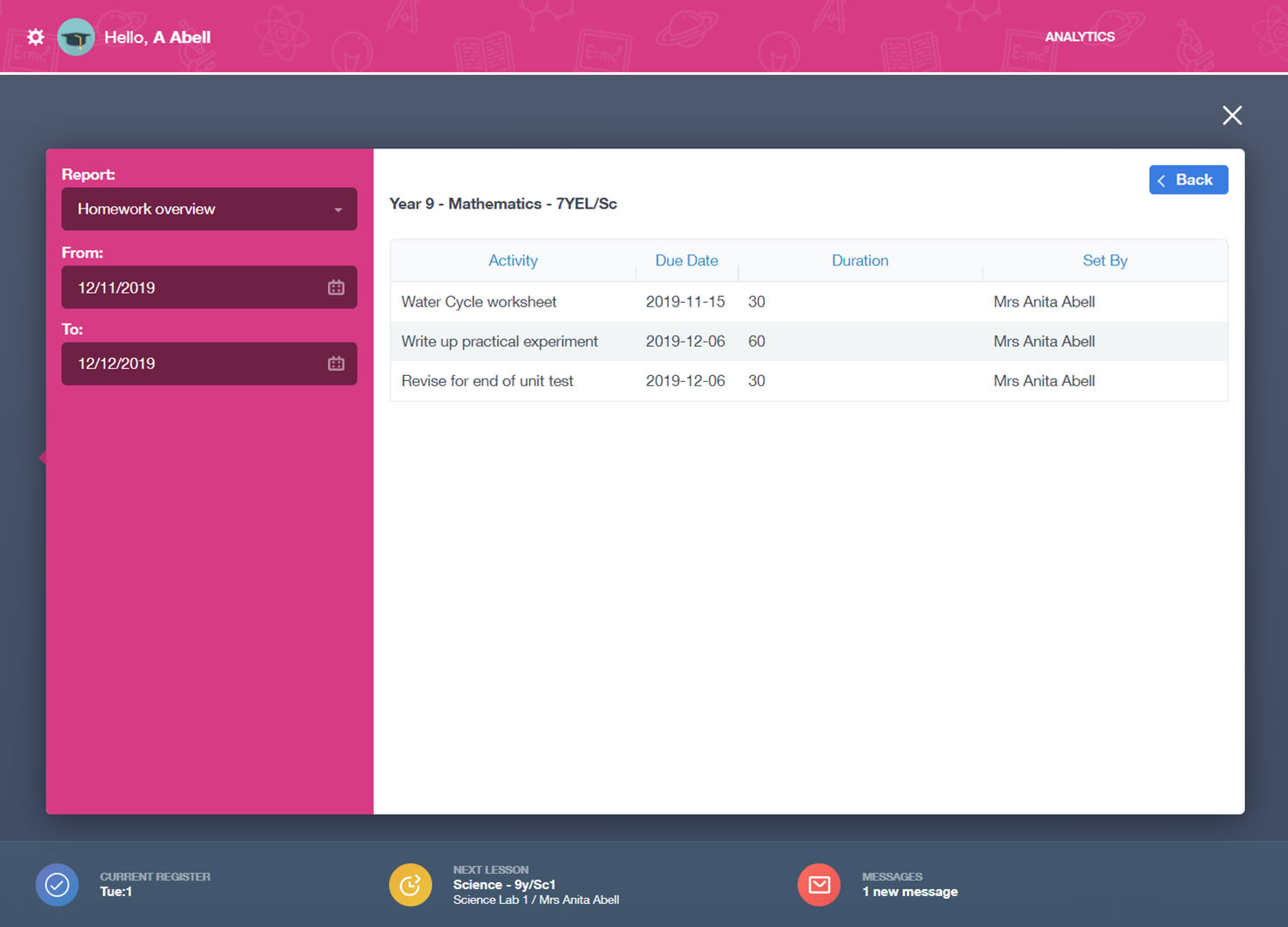
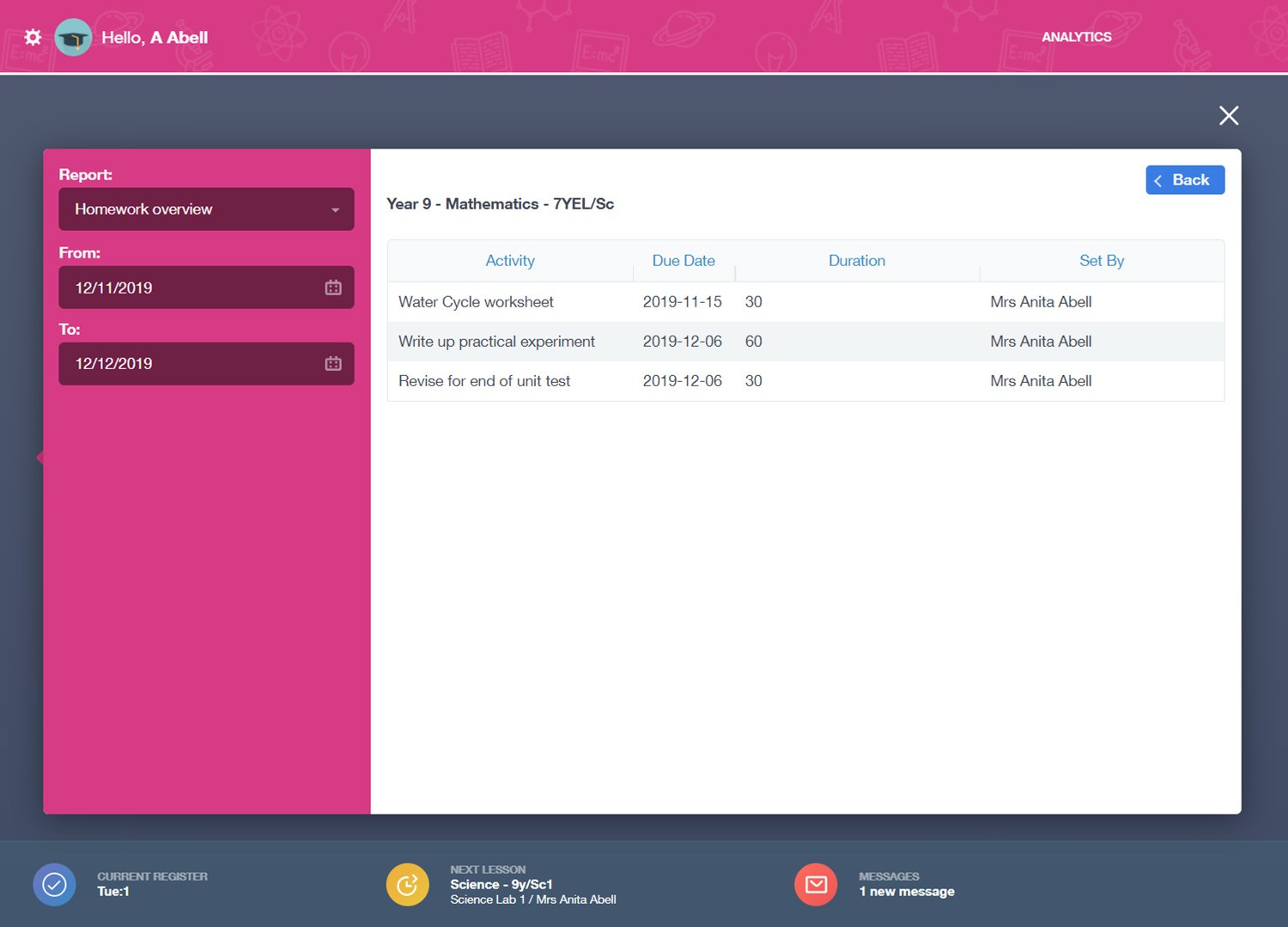
Senior staff can quickly dial down to see what homework has been set by year, subject, class and teacher. This allows SLT to keep tracks on exactly what homework is being set and identify areas for improvement.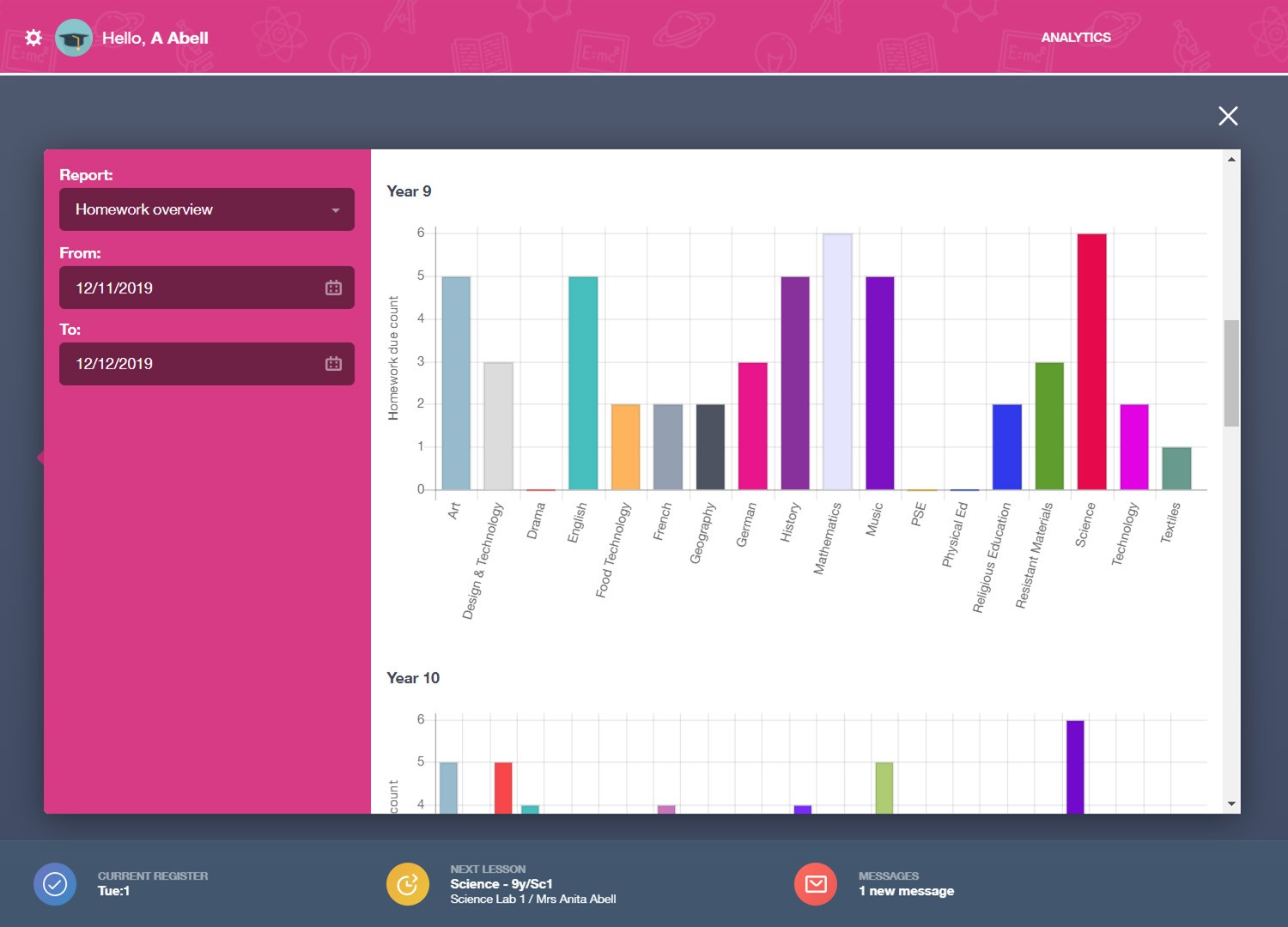
Clubs Attendance
Report on club attendance across your organisation or drill down to an individual learner. You can also export the data for additional analysis, such as tracking the impact of Pupil Premium spending. Looking for 'How to' information? Read our Knowledge Hub article on Analytics.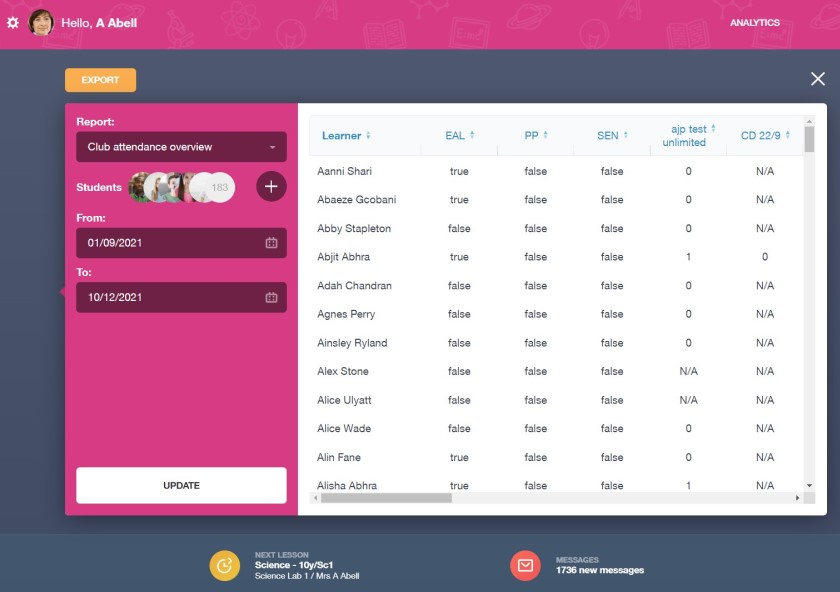
Behaviour and Achievement Points
Drill down into behaviour and achievement data to understand what is happening across your organisation. Leaders can celebrate successes or identify potential issues. Group data over your chosen time frame and filter on 18 categories, including Year, House, SEND and Pupil Premium, then compare points or achievement records such as merits and awards. What's more, you can also export the data to a .csv file where you can use it to do further analysis if required in Excel, Power BI or another analytics tool.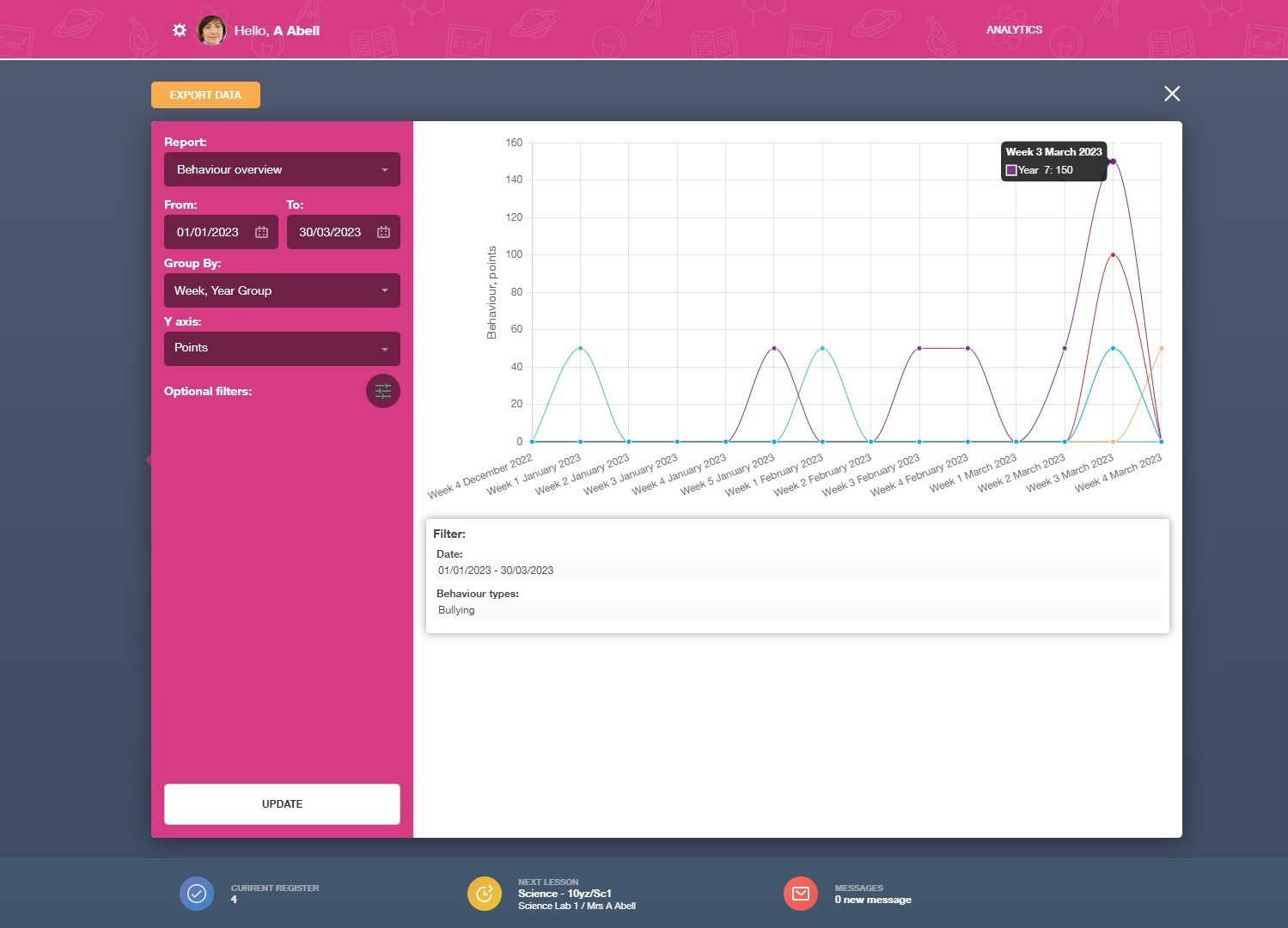
Employee Call Outs
The Employee Call Out report allows senior staff to see which staff are using the call out function the most and who are the top responders. This helps SLT to identify if there are issues with student behaviour, staff training or health and safety which may need to be addressed.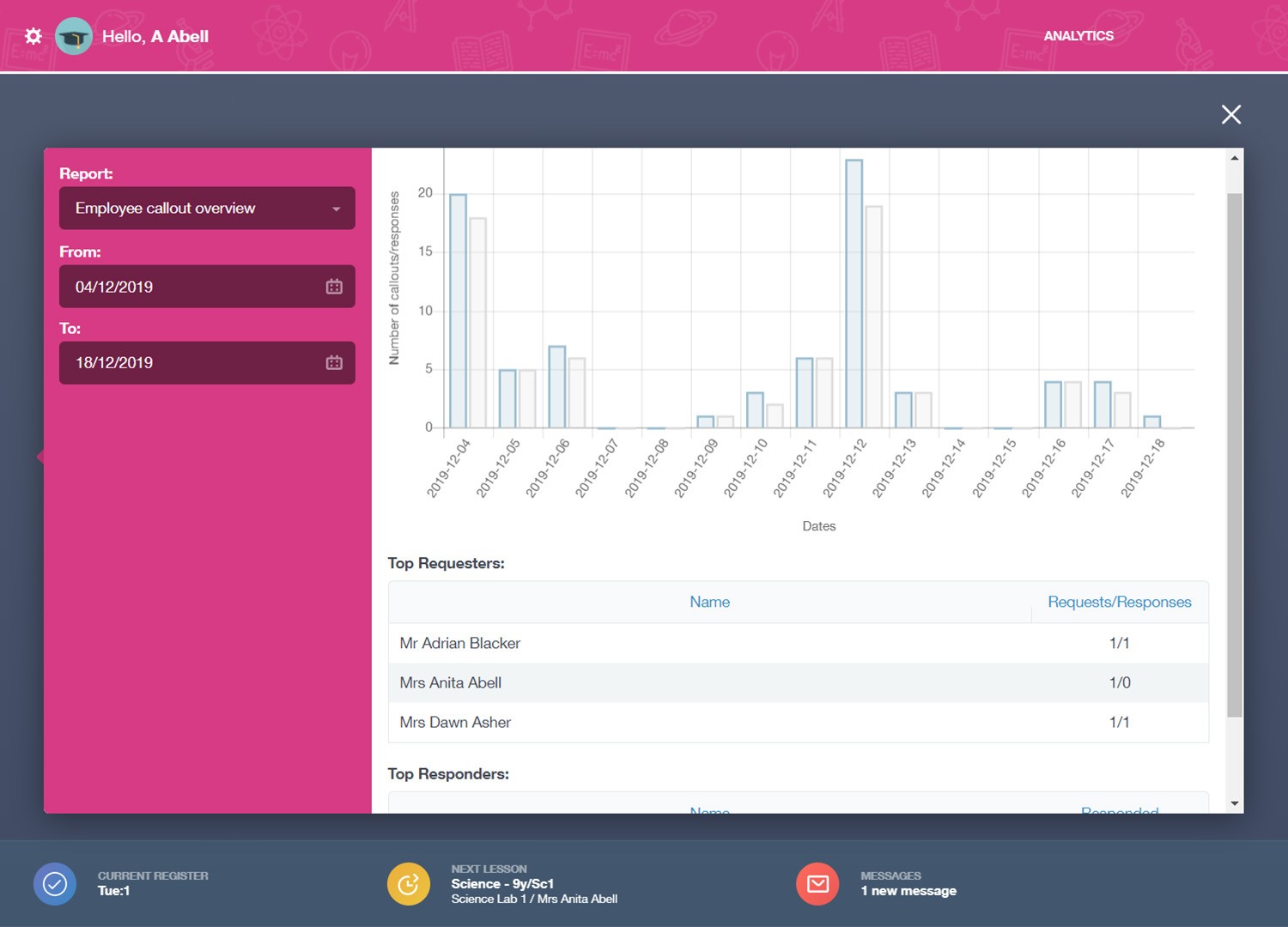
Document Access
Staff can quickly look to see which documents have been accessed by employees, students and parents. This makes it easy to identify parents that have viewed their child's report or identify staff members who haven’t yet read a new procedural change.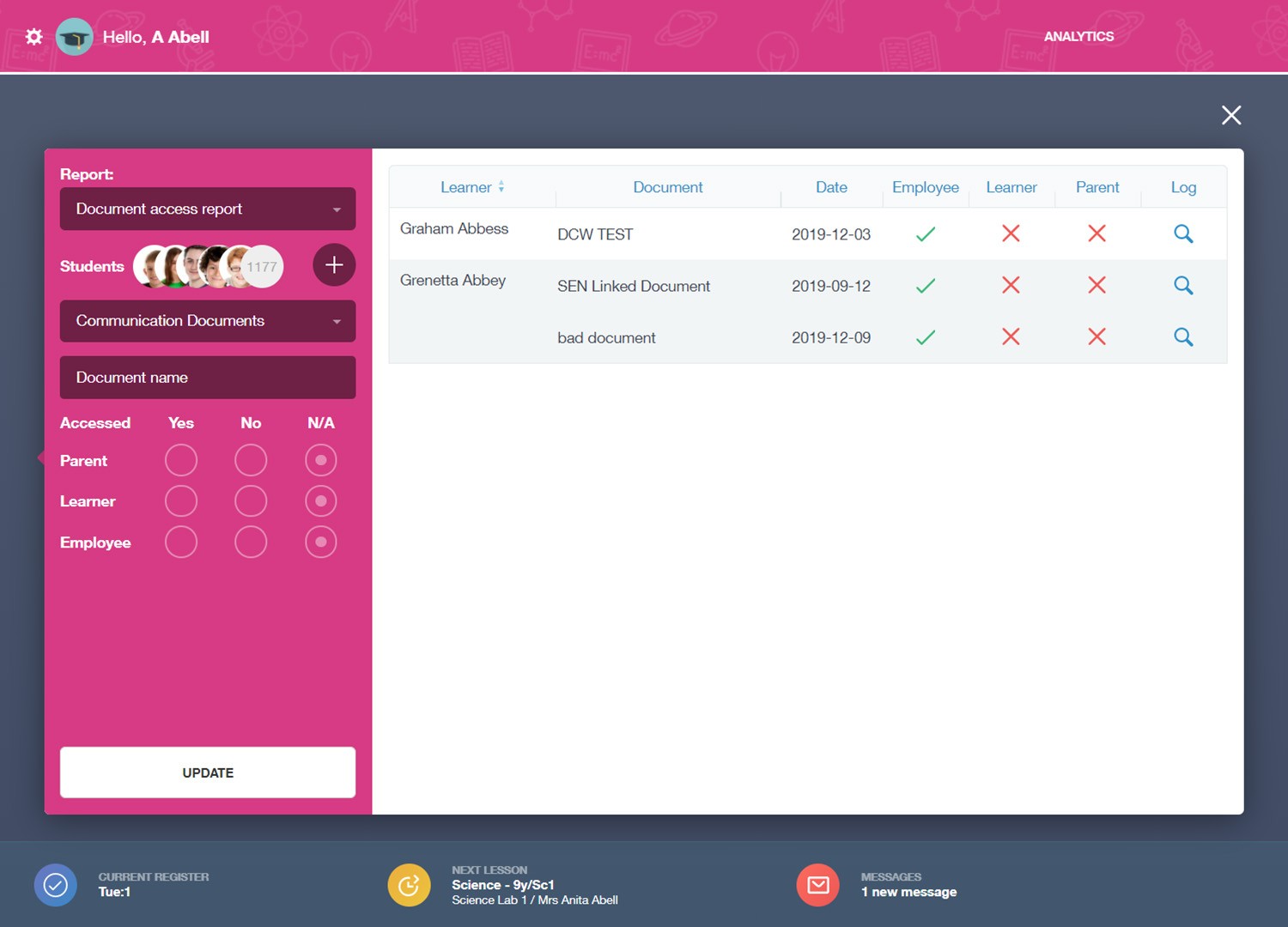
Discover more
Administration features
Edulink One brings engagement, teaching and administration together in one easy-to-use platform for staff, learners and families. Explore more features to see how your team can simplify everyday work and keep information connected.



See how Edulink One could work for you
Tell us what you want to improve and we’ll tailor the conversation to your setting.